
You can add or edit your personal information such as your name, email address, password, or mobile number any time you wish.
Step 1: On the navigation bar on the left, click on the Profile icon and open the Personal Info tab.
Step 2: Edit any information you would like to change, then click the Save button at the bottom left.
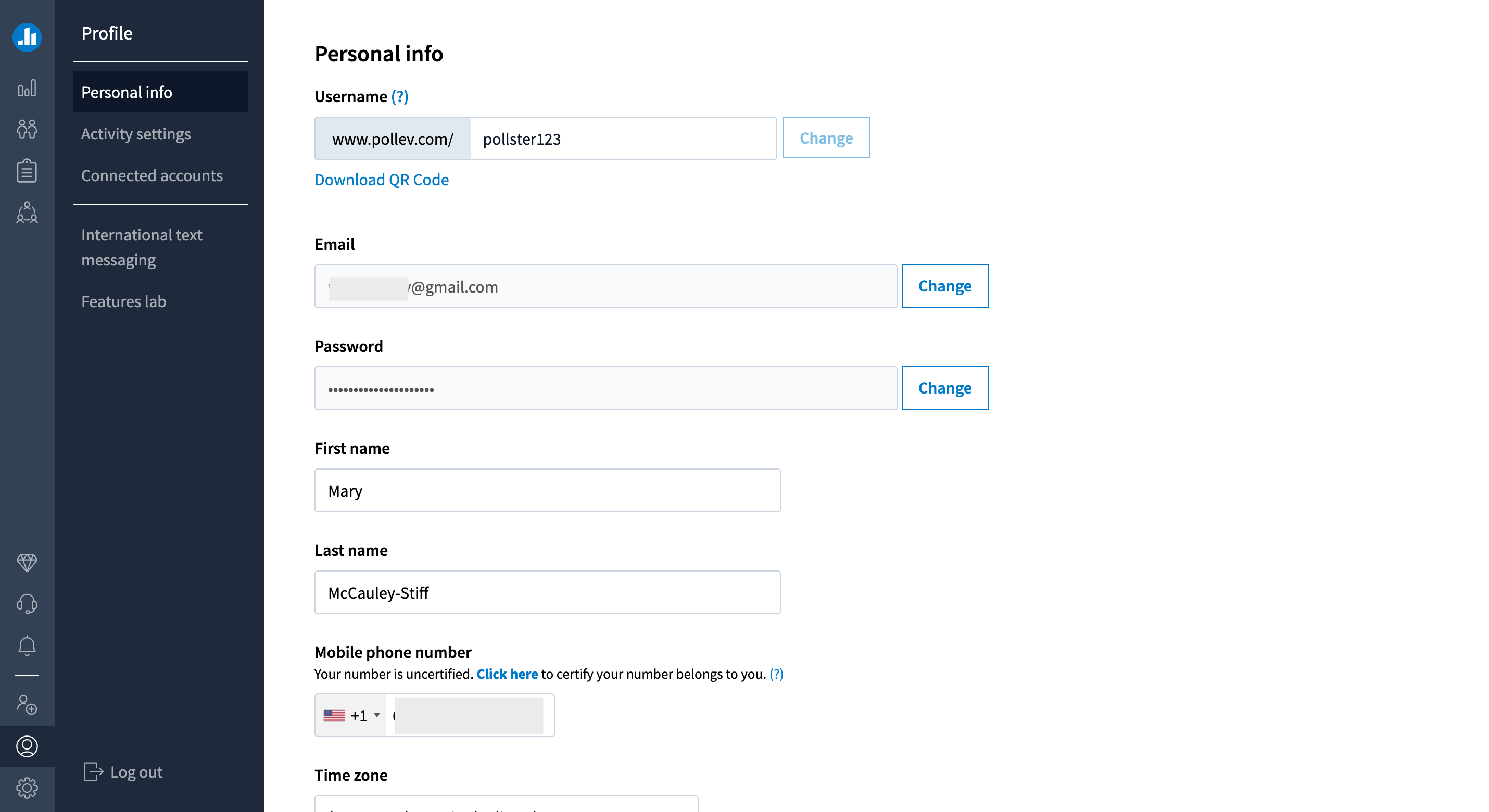
Helpful tip: Once you have saved your changes to the First name and Last name fields, you can click the Generate button next to your username to see new username options.