
Once an account administrator has set up Teams, any presenter on the account may share activities with their Team. All users must be part of a Team to share activities with that Team. Only the creator of an activity may share it with others.
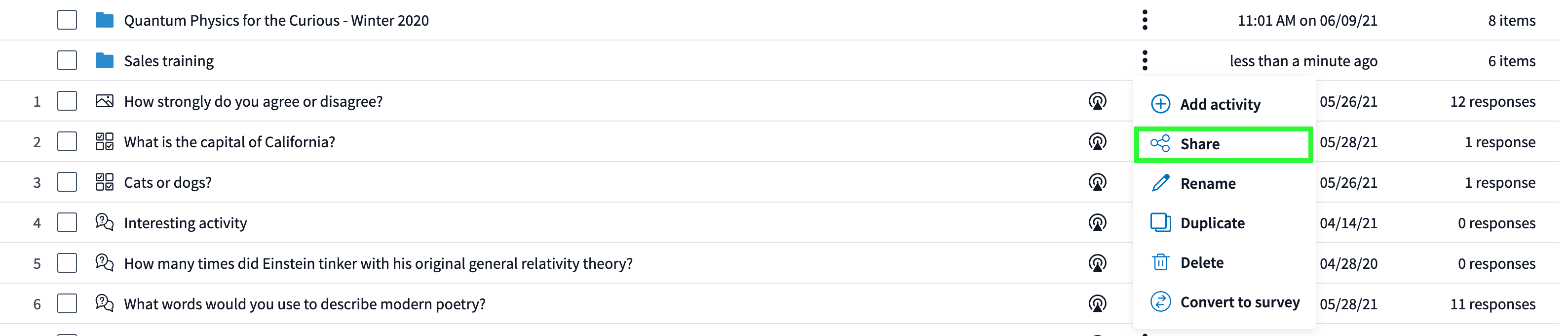
Step 1: Put the activities into Folders. Near the name of the Folder, click on the dropdown menu followed by Share.
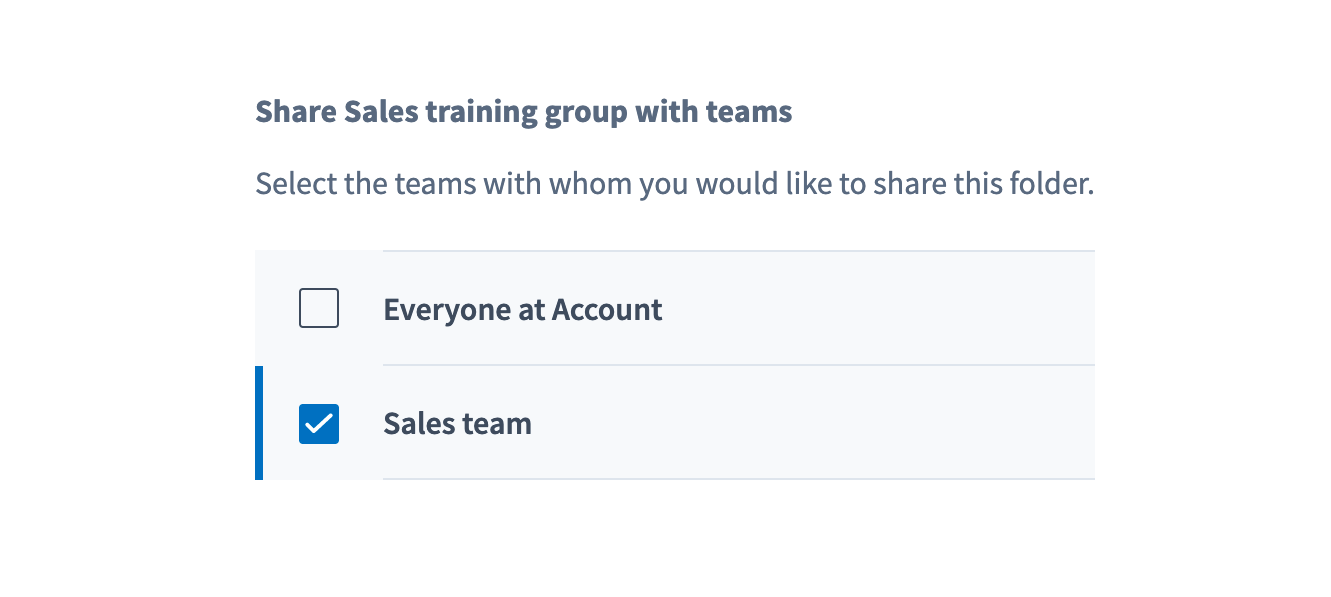
Step 2: Select the Team(s) to share the activities with all presenters in the Team. All presenters within those Teams have the ability to present, but are unable to edit the activities.
Step 3: The share icon will appear next to any and all Folders that are shared.

Any activities added to the Folder will immediately be shared. Any new presenters added to the Team will also immediately get access.
Any number of presenters may collect responses on the same activity simultaneously without interference between activities. Results will be tied to each individual presenter, so presenters can run their own independent reports on the shared activities.