
In this article:
When you activate a question that allows web responses, the system will publish the activity to your PollEv.com response page (i.e. PollEv.com/your-username).
From the Activities page
To activate an activity from the Activities page, click the Activate icon located to the right side of the activities's title bar.

From the activity edit page
You can activate a question from the activity edit page by selecting either the Activate or Present buttons depending on how you want to present the activity.
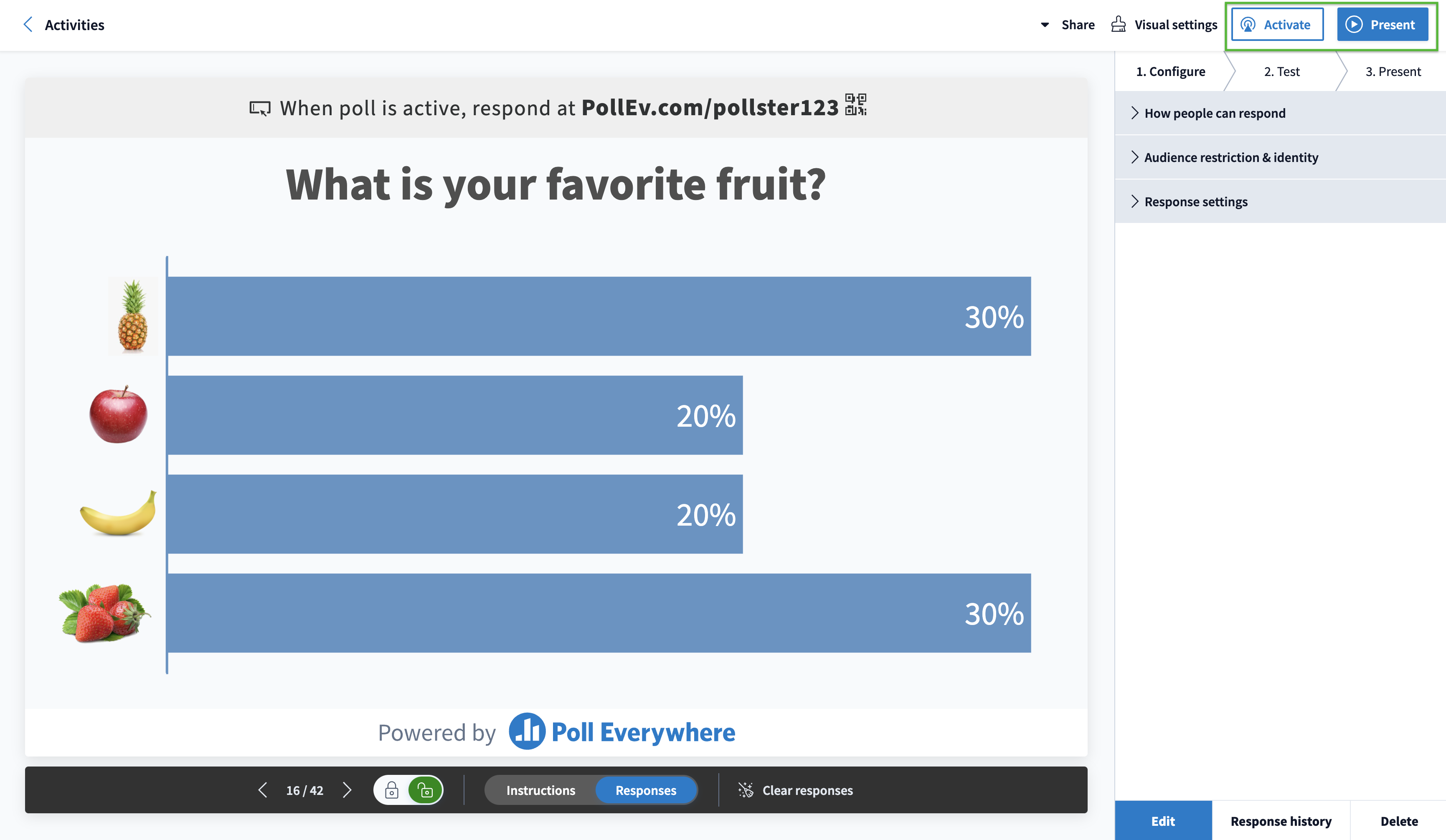
If you are in full screen presentation mode, the activity you are currently displaying will automatically be activated. The response page will update automatically and stay in sync with whatever activity you have displayed on screen while in fullscreen mode.
Helpful tip: Only one question (or survey) in your account can be activated at a time.
Within a presentation
To present your activities from within a Powerpoint, Keynote, or Google Slides presentation you will need to have the Poll Everywhere Presentation app installed and be logged in to your account to ensure your questions activate.
Check out the following articles for more information.
- Activation
- Presenting your activities with Poll Everywhere for Windows
- Presenting your activities with Poll Everywhere for Mac
- Presenting with Poll Everywhere for Google Slides
If you have followed the activation steps and are still experiencing trouble presenting activities, please contact customer service.