
As a participant or student, you can submit your responses via SMS text message if the activity from the presenter allows it. However, you want to certify your phone number first in order to be given participation credit or for attendance.
Step 1: Log into your Poll Everywhere account at www.pollev.com/login
Step 2: Click on the Settings tab.
Step 3: Click on Edit Phone.
Step 4: Enter a phone number in the phone number field, and click the save button on the top right.
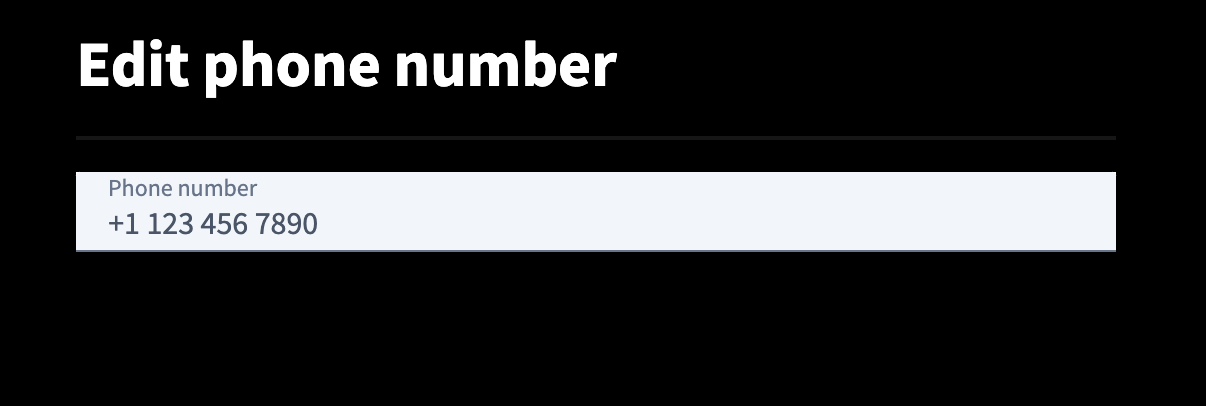
Step 5: Click "Certify" next to the phone number.

Step 6: Select your coverage area from the dropdown menu. If you do not see your specific country, please select the regional number, such as Europe, Asia, Africa, & the Middle East, or South & Central America.
Step 7: Send a text message with the word CERTIFY to that number
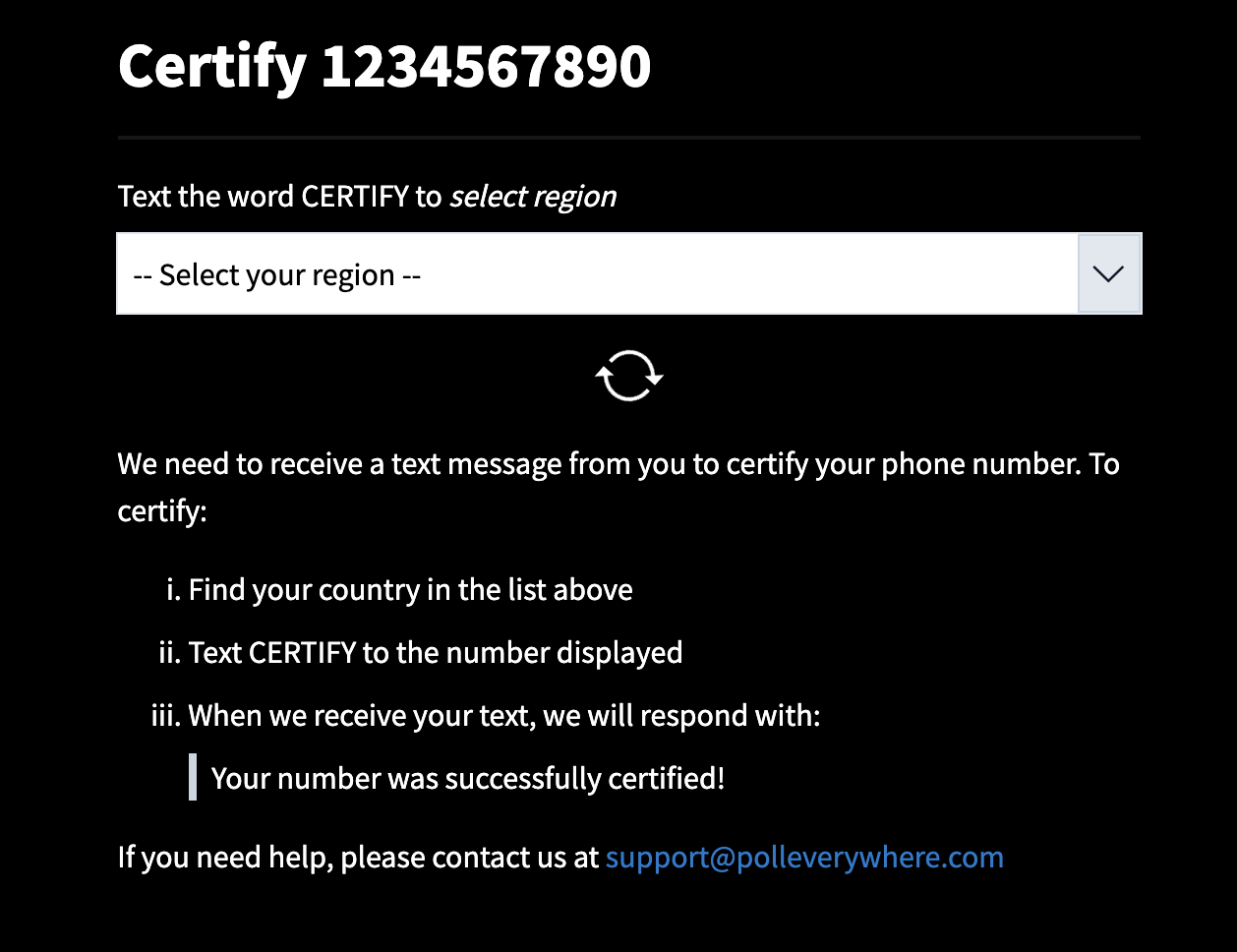
All set! Now you’re ready to participate in polls via text.
If you encounter trouble certifying your phone, please contact customer support.